


Custom Cursor for Windows
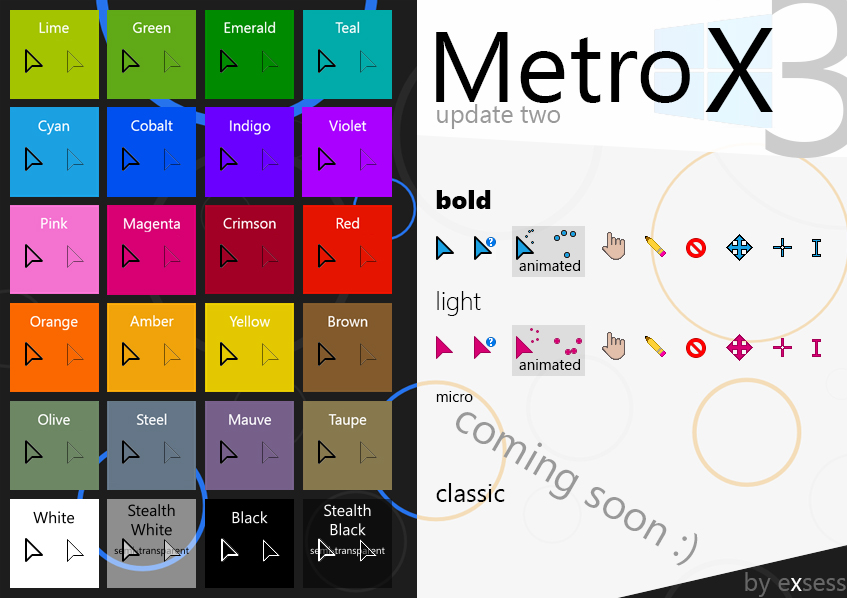
This version has minimal animations (only the ‘busy’ and ‘working’ cursors) and includes Windows 8’s full range of core accent colors.
Installation : Download, extract and open the file. Look for the “(installer)”, right-click on it and click on “Install“. Then, to activate your new cursor, right-click on your desktop, click on “Personalize“. In the Parameters window, move to the “Theme” tab, click on “Mouse Cursor” and select your Model from the drop-down list.